

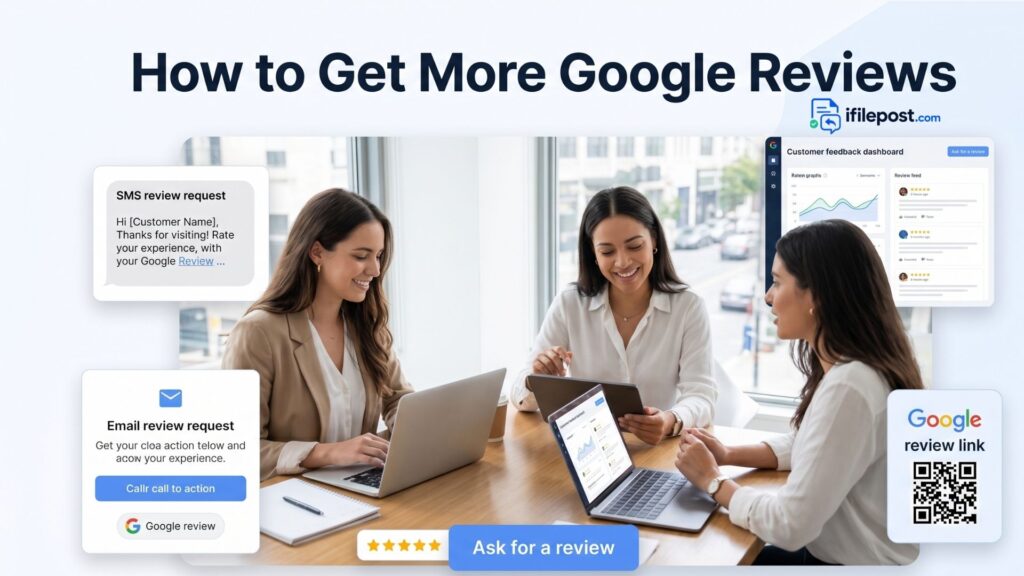
Google reviews can influence how new customers feel before they call, book, or visit your local business. A strong review profile does not happen by accident. It usually comes from a simple system: deliver a good experience, ask at the right moment, make the review process easy, and reply to customers consistently.
This guide explains how to get more Google reviews without sounding pushy or desperate. You will learn when to ask, what to say, which templates to use, and how ifilepost.com free tools can help you create review request messages faster.
Why Google Reviews Matter for Local Businesses
For many local businesses, Google reviews are one of the first trust signals a customer sees. A dentist, restaurant, plumber, HVAC company, salon, hotel, lawyer, cleaning service, or clinic can lose attention quickly if its reviews look outdated, unanswered, or too limited.
More reviews can help customers see recent experiences from real people. Just as important, fresh reviews give your business more chances to show professionalism through public replies. After asking for reviews, use the Google Review Reply Generator to respond with a helpful and polished message.
The Right Way to Ask for Google Reviews
The best review request is simple, honest, and easy to act on. Do not pressure customers. Do not offer rewards for positive reviews. Do not ask only for a 5-star review. Instead, ask satisfied customers to share their honest experience.
A good review request should include three things: a thank-you message, a short reason for asking, and a direct review link. If you need a ready-made process, start with the How to Ask Customers for Google Reviews guide and then build your own message using templates.
Best Times to Ask Customers for Reviews
Timing matters. A customer is more likely to leave a review when the experience is still fresh and positive. Use these moments carefully:
- Right after a successful appointment, service call, repair, meal, stay, consultation, or delivery.
- After a customer compliments your team in person, by phone, or by email.
- After an issue has been resolved and the customer confirms they are satisfied.
- After a repeat customer has had another good experience.
- In a follow-up SMS or email within 24 to 48 hours of the service.
Use SMS for Fast Review Requests
SMS is often the fastest way to request a review because customers can open it quickly on their phone. Keep the message short, polite, and easy to understand. If you want to create a message quickly, use the Review Request SMS Generator on ifilepost.com.
| SMS Template ExampleHi [Customer Name], thank you for choosing [Business Name]. We are glad we could help. If you have a minute, we would appreciate your honest Google review here: [Review Link] |
This message works because it is short, respectful, and does not tell the customer what rating to leave. It asks for an honest review and gives a direct link.
Use Email for More Detailed Review Requests
Email is useful when you want a slightly warmer message. It also works well for professional services, healthcare-style businesses, real estate, legal services, hotels, and larger service appointments. You can create a polished email faster with the Review Request Email Generator.
| Email Template ExampleSubject: Thank you for choosing [Business Name] Hi [Customer Name], Thank you for trusting us with your recent visit/service. We appreciate your business and hope you had a positive experience. If you have a moment, we would be grateful if you shared your honest feedback on Google. Your review helps other local customers learn more about our business. Leave a review here: [Review Link] Thank you, [Business Name] |
Make the Review Link Easy to Find
The easier the process is, the more likely customers are to complete it. Do not make people search your business name, find the profile, and then figure out how to leave a review. Give them a direct link.
You can use your Google Business Profile review link in SMS, email, receipts, appointment follow-ups, and thank-you messages. Keep that link saved in your review request workflow so your team can send it quickly.
Create a Review Request Workflow for Your Team
If only one person remembers to ask for reviews, your results will be inconsistent. A better approach is to create a simple workflow that anyone on the team can follow.
- Choose when your team should ask for a review.
- Create one SMS template and one email template.
- Save the Google review link in a shared place.
- Train staff to ask politely after a good customer experience.
- Check new reviews weekly and reply to them.
For more ready-to-use wording, open the Review Request Templates page and adapt the templates to your business.
Do Not Make These Review Request Mistakes
A review request should build trust, not create risk. Avoid these mistakes:
- Do not offer discounts, gifts, cash, or rewards in exchange for reviews.
- Do not ask customers to leave only 5-star reviews.
- Do not write reviews for customers.
- Do not pressure unhappy customers to remove honest reviews.
- Do not send too many follow-ups after the customer ignores the first request.
A clean and honest review strategy is better for long-term reputation. Ask for real feedback, respond professionally, and use customer comments to improve your service.
Reply to Reviews After You Receive Them
Getting more reviews is only half of the process. The next step is replying to those reviews. A reply shows future customers that your business is active, attentive, and respectful. If a customer leaves a happy review, use the Positive Review Response Examples article for ideas. If someone leaves a complaint, use the Negative Review Response Examples article to keep your response calm.
You can also open the Google Review Response Examples guide to see different reply styles for positive, neutral, and negative customer feedback.
Track Your Reputation Progress
A strong review process should be measured. At least once a month, check your average rating, total review count, number of new reviews, reply activity, and common customer themes. If customers mention wait time, pricing, communication, cleanliness, quality, or scheduling often, that feedback can guide improvements.
Use the Local Business Reputation Audit to review your current reputation position and find simple improvement opportunities.
Quick Review Request Script for Staff
| In-Person ScriptThank you for visiting us today. If you had a good experience, we would really appreciate your honest Google review. It helps other local customers find our business. I can send you the link by text or email if that is easier. |
| Phone ScriptWe are glad we could help. If you have a minute later today, would you mind sharing your honest experience on Google? I can send you the review link now. |
Final Thoughts
Getting more Google reviews is not about chasing ratings. It is about making feedback part of your normal customer experience. Ask at the right moment, make the link easy, use respectful templates, and reply to reviews consistently.Start with ifilepost.com Free Tools to create review request messages, generate professional replies, and improve your local business reputation step by step.